Type Well Manager
1. Type Well Manager
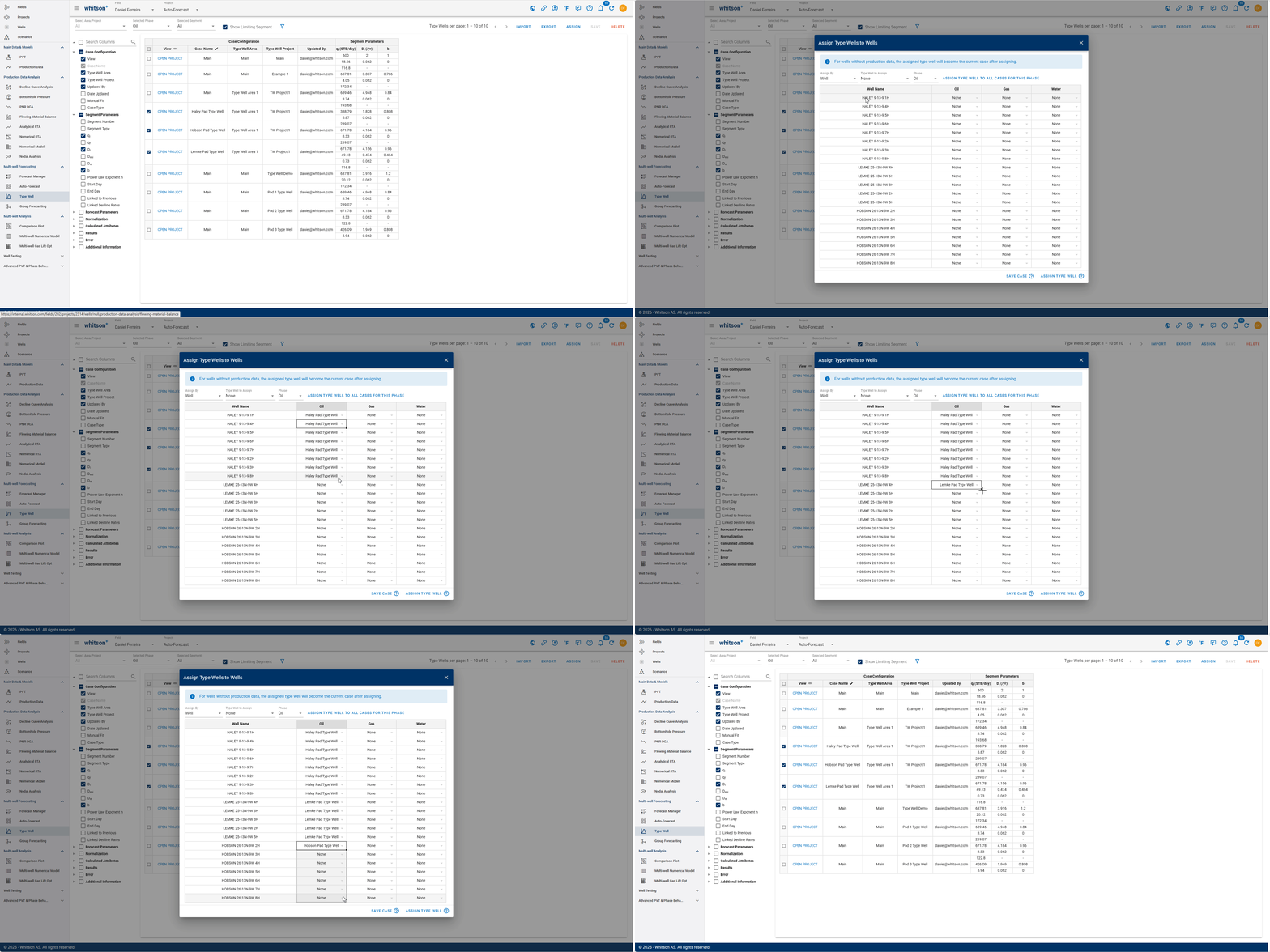
To review and compare multiple type well projects, cases, and parameters in table format, use the Type Well Manager. The GIF below shows how to access the Type Well Manager section.
1.1 Manipulating Table
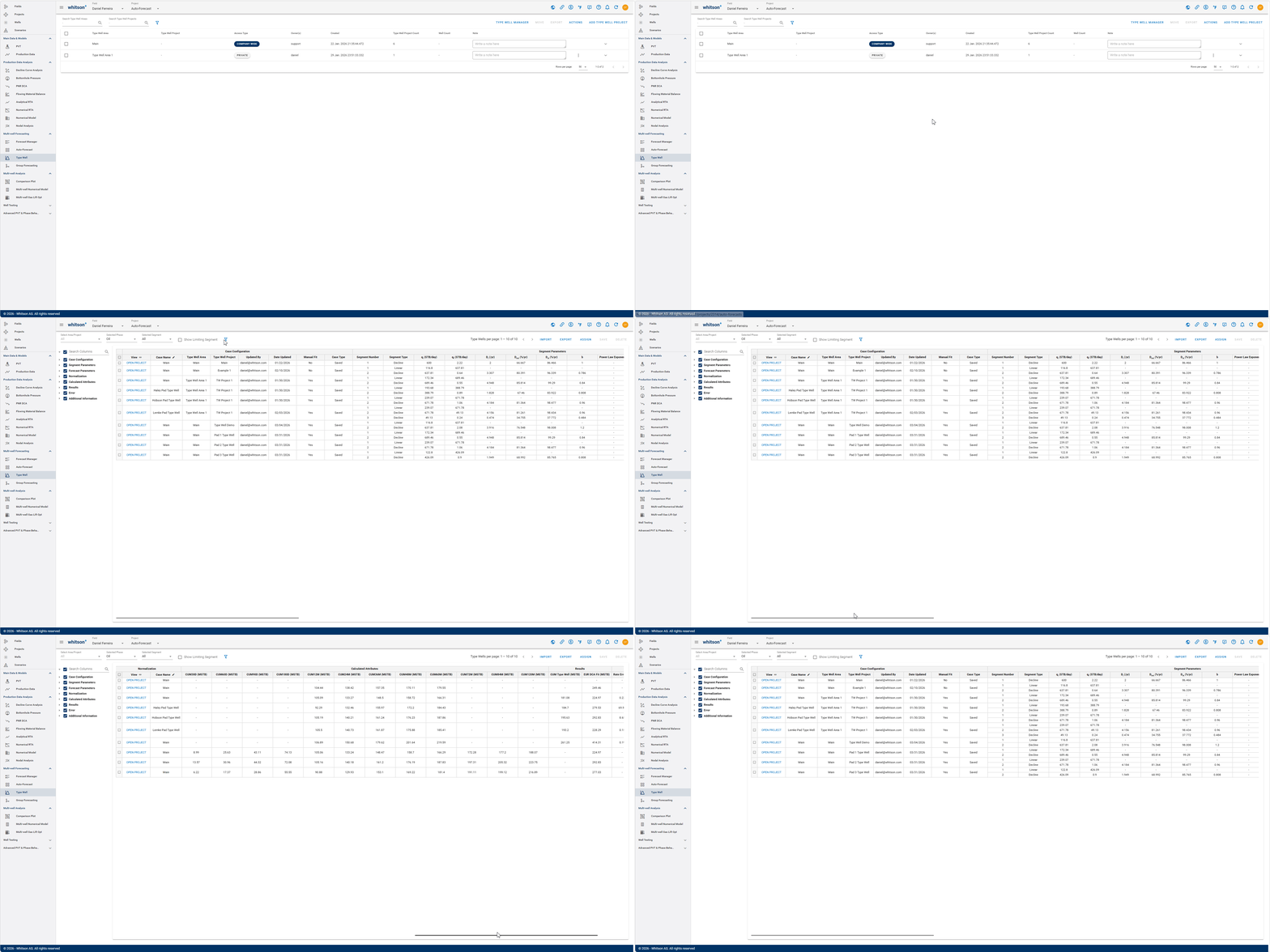
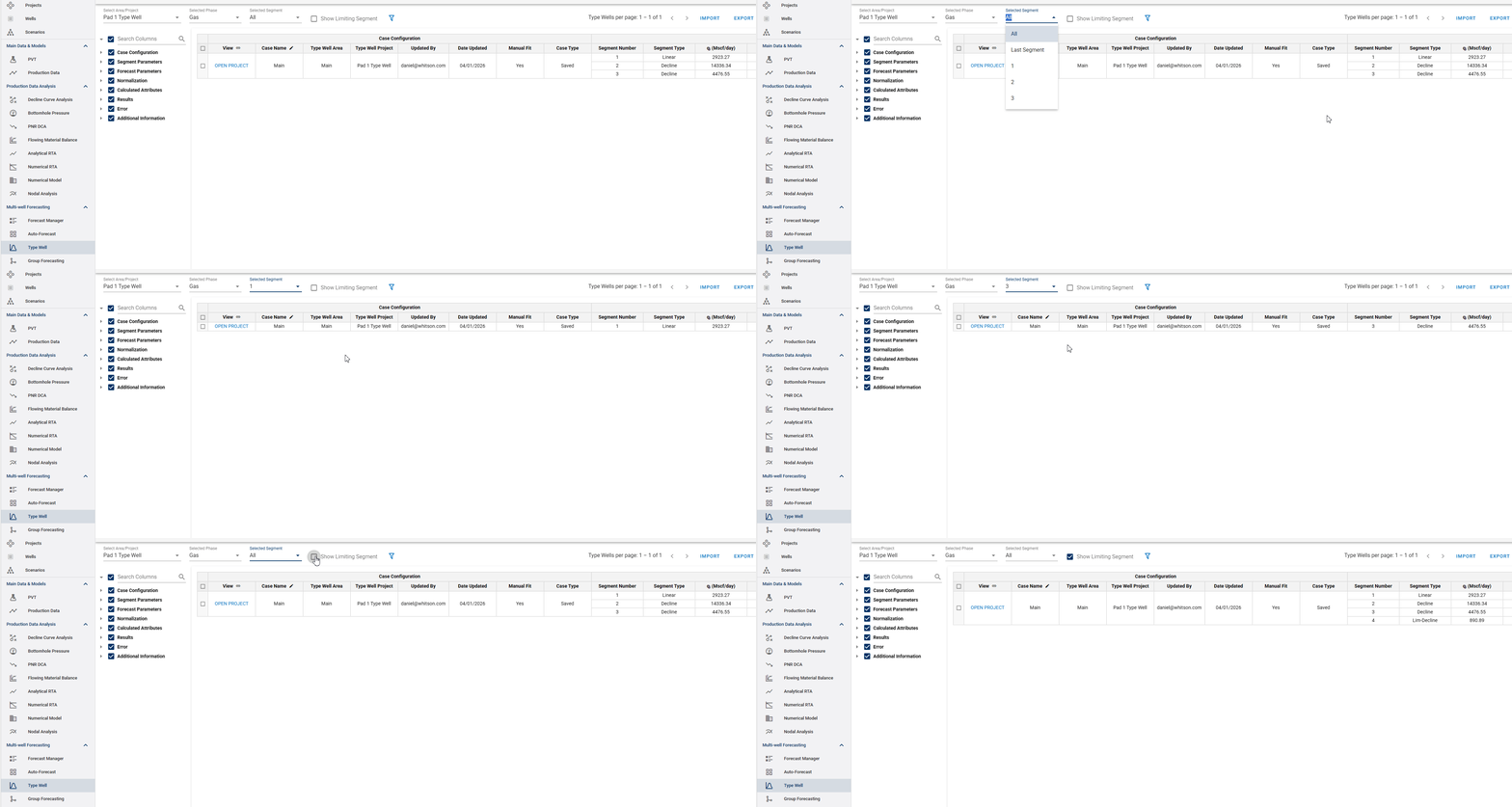
- Selecting Area/Project: choose all type well projects under a Type Well Area, or a single type well area to display. All type well projects can be viewed under the "Select Area/Project" dropdown menu on the top left corner. After selecting one, only the type well cases associated with that project will be shown in the table.
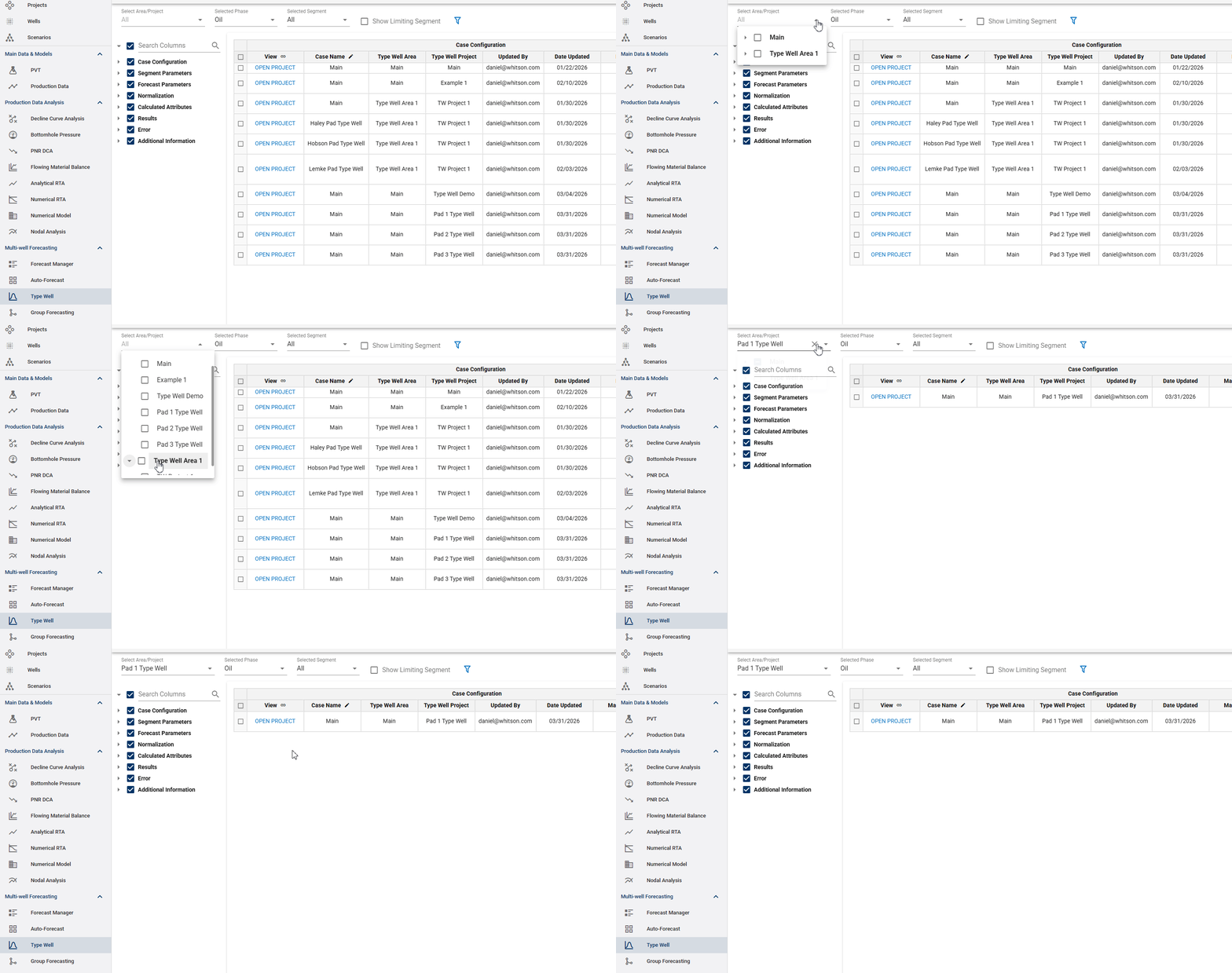
- Selecting Phase to Display: the second dropdown option to the left of the project dropdown, one can select the phase to display its respective type well curves in the table. That can be done by clicking on the "Selected Phase" dropdown menu.
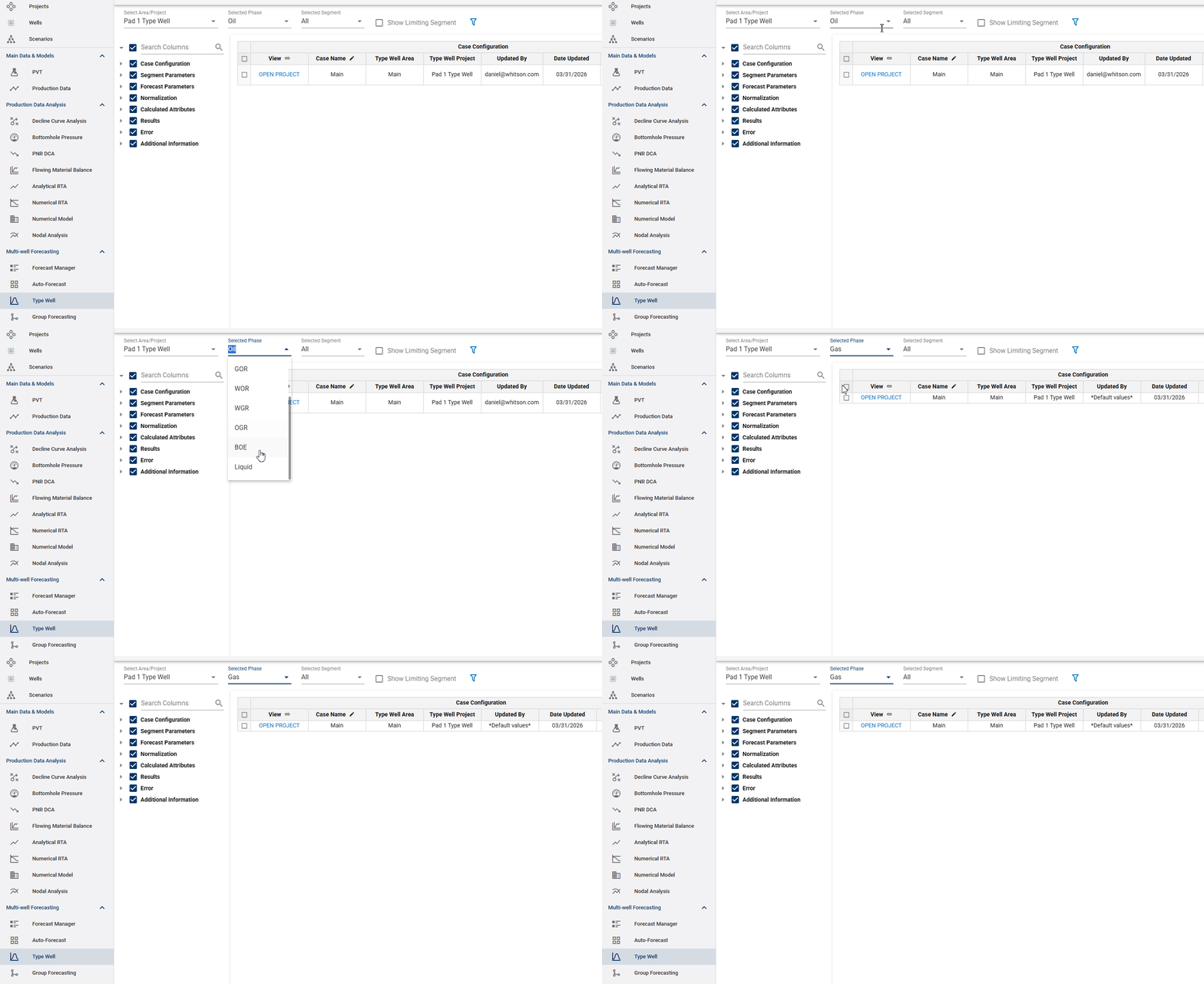
- Selecting Segments to Display: because the type well curves can be created using multiple decline segments, one can also select which segments to include in the table, including the limiting segment, which can be brought into the table by checking the box titled "Show Limiting Segment."
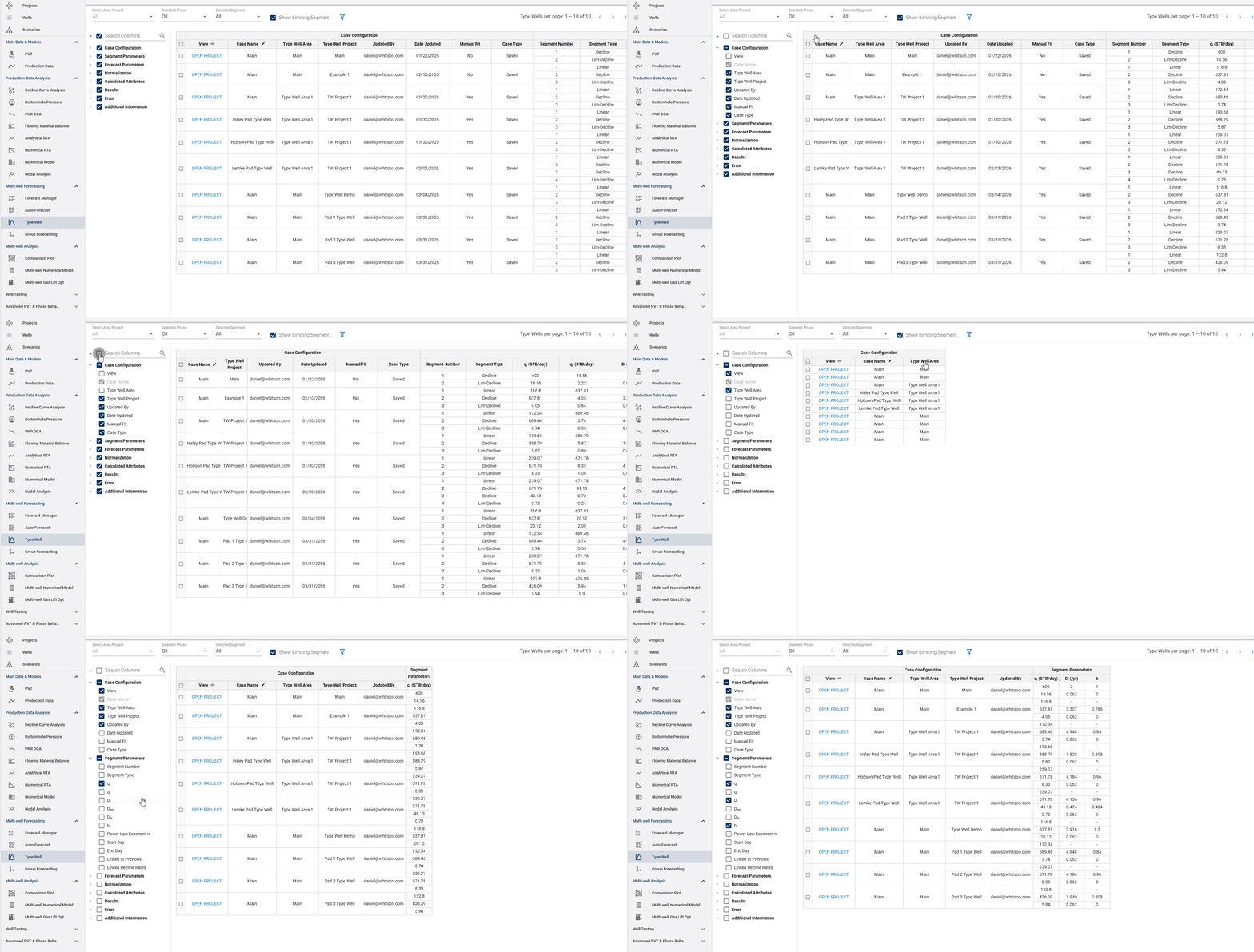
- Selecting Table Columns: it is also worth noting that in addition to the selections shown above, the columns included on the table can also be modified on the left hand side of the screen.
1.2 Importing, Exporting, and Assigning Type Wells
-
Importing Type Wells: as of now, the ARIES type well import capability is available, while the Mosaic, PHDwin, and Val Nav are coming soon.
-
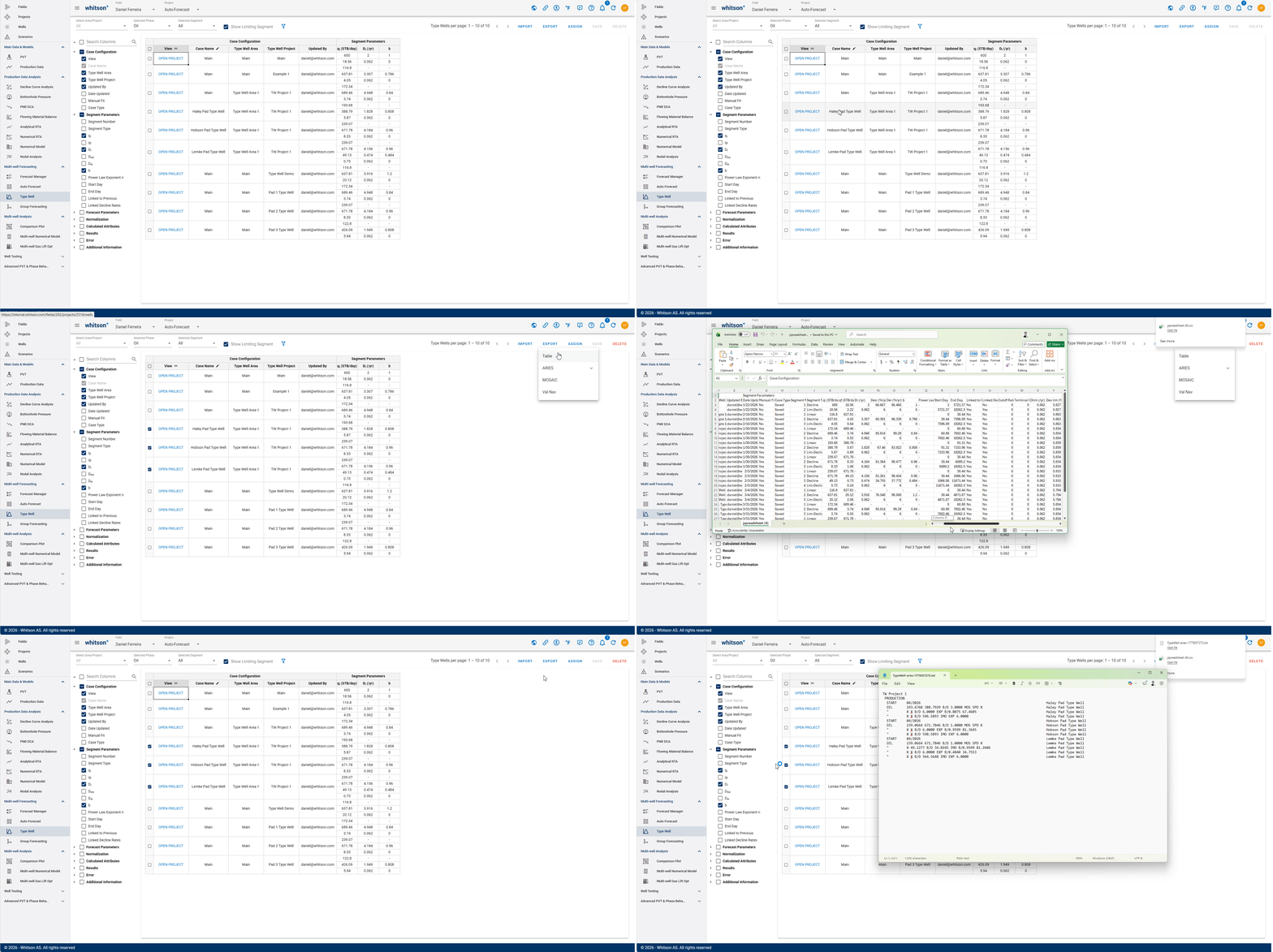
Exporting Type Wells: the exporting function is available in four formats: a table through a .csv file, and exports to ARIES, Mosaic, and Val Nav. For the last three export types, the user must select the projects to export by checking the boxes for each case in the table, while the .csv export includes all columns and cases regardless of selection. All steps are shown below.
- Assigning Type Wells: the assign function can be found next to the export button and is used to assign a specific type case to a well. Once that is done, the assigned type well will be available under the "TYPE WELLS" tab on the Decline Curve Analysis module. Steps to assigning are shown below.